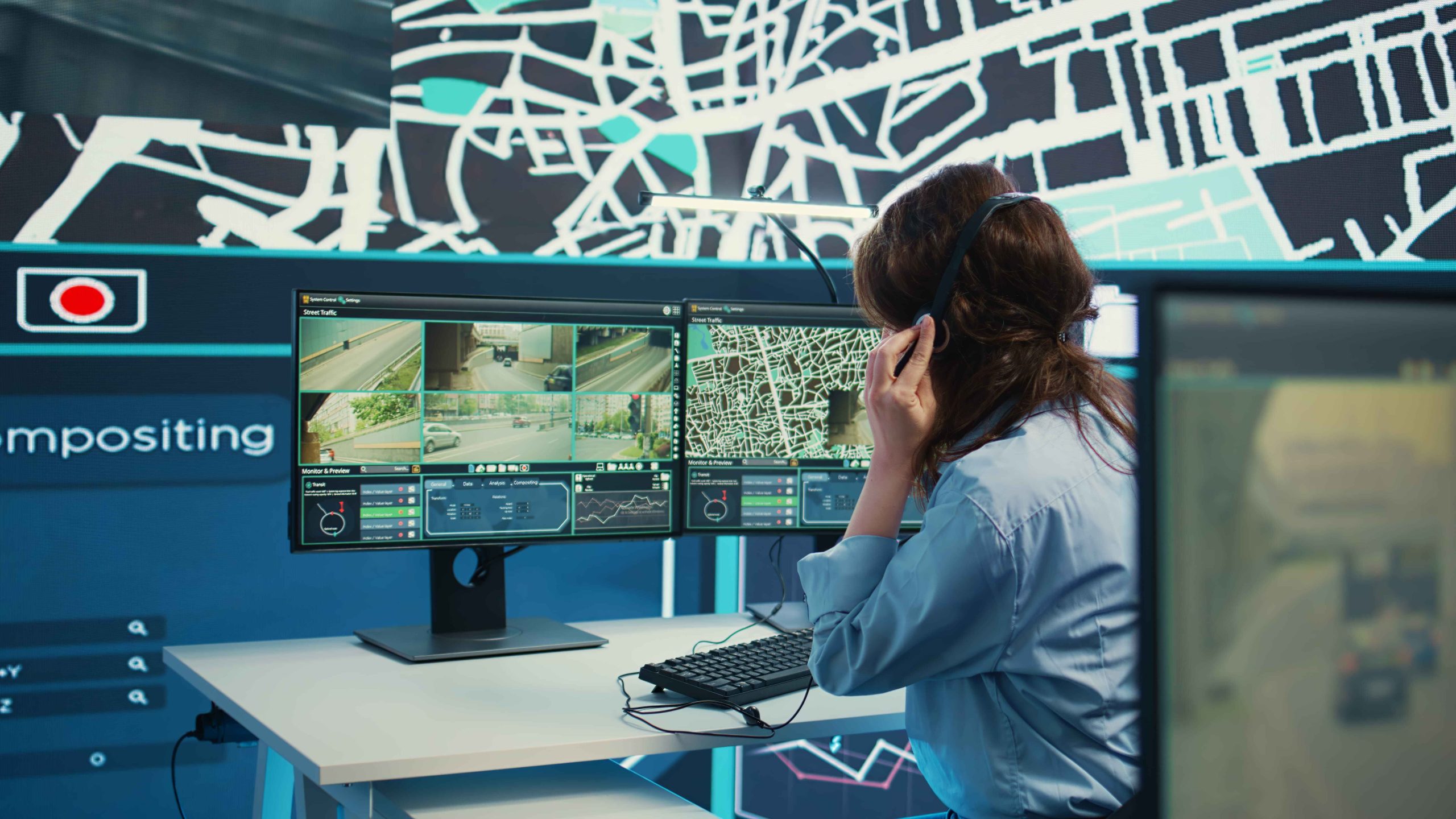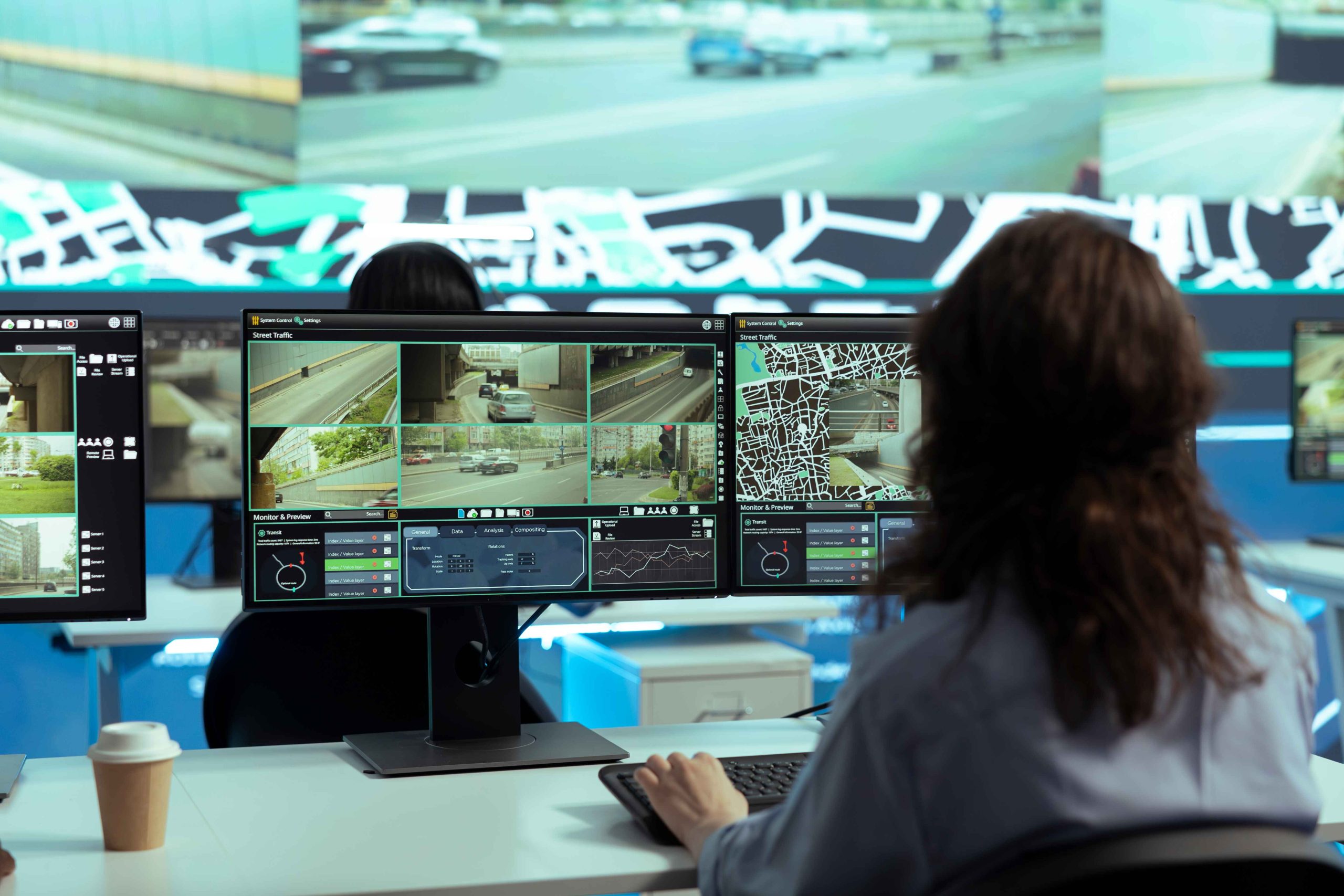

Power outages create serious security gaps. Cameras shut down. Alerts stop. Coverage disappears when you need it most. Criminal activity often rises during blackouts, which makes preparation very important.
This guide explains how to prepare for outages and keep cameras running. It focuses on planning, backup power, and smart setup choices. The goal stays simple. Maintain visibility when the lights go out.
Why Power Outages Create Security Risks
Power outages remove your first line of defense. Cameras stop recording. Monitoring tools go offline. Access control systems however may fail.
Even short outages can cause issues. A few minutes without coverage can lead to theft or damage. Longer outages raise risk even more. Preparation reduces these risks and keeps your site protected.
Identify Which Cameras Matter Most
Start by listing your cameras. Note which ones cover entrances, exits, and high-risk zones. These cameras should receive backup power first. Interior cameras may matter less during outages. This step helps you plan smarter and avoid overspending.
Understand How Cameras Use Power
Most cameras rely on one of three power types:
- Plug-in power adapters
- Power over Ethernet (PoE)
- Battery-powered units
- Plug-in and PoE cameras shut down during outages unless backup power exists. Battery cameras last longer but still drain over time.
- Knowing your setup guides better decisions.
CCTV Power Outage Protection Starts With Backup Power
CCTV Power Outage Protection
Backup power keeps cameras active during outages. It bridges the gap until power returns.
The most common options include:
- Uninterruptible Power Supply (UPS)
- Battery stations
- Backup generators
A UPS works well for short outages. Generators support long outages. Battery stations offer flexible use for smaller systems.
Choose Based on Outage Length and Site Size.
- Use a UPS for Short-Term Coverage
- A UPS provides instant power when electricity drops. It keeps cameras running for minutes or hours.
- Place the UPS near recorders, routers, and switches. This setup keeps both cameras and network online.
- Test UPS units often. Batteries lose strength over time.
Plan for Long Outages With Generators
Generators support extended outages. They power cameras, lights, and networks together. Standby generators start automatically. Portable units need manual setup. If outages last hours or days in your area, generators make sense.
Protect Network Equipment Too
Cameras need networks to send footage. Routers and switches also need backup power. Without network power, cameras record locally but cannot stream or alert. Include network gear in every backup plan.
Test Your System Before an Outage Happens
- Do not wait for a real outage to test backups.
- Schedule tests twice each year.
- Cut the main power and watch what stays online.
- Note how long systems last.
- Fix weak points early.
Train Staff on Outage Procedures
Staff play a key role during power outages. Everyone should know what steps to follow when systems switch to backup power. Clear instructions reduce confusion and save time during critical moments. Simple training sessions and written checklists help teams respond quickly and keep security running without gaps.
Monitoring Still Matters During Power Loss
Backup power keeps cameras on, but monitoring keeps them effective. During outages, remote teams watch live feeds and flag threats in real time. Providers like Serena Security help link backup power with active monitoring, so security stays reliable when power fails
Keep Equipment Protected From Surges
- Power returns can cause surges. Surges damage electronics.
- Use surge protectors on all equipment. Replace damaged units quickly.
- This step protects long-term system health.
Review Local Outage Patterns
- Check how often outages occur in your area. Weather patterns matter.
- Frequent storms need stronger plans. Rare outages may need lighter solutions.
- Local data guides smart investment.
- quality and safety.
- Prepared sites recover faster after outages.
Balance Cost and Coverage
Backup systems require investment, so it helps to balance cost against real risk. Losing camera footage during an incident often costs far more than planning ahead. Start by protecting cameras that cover entrances and high-risk areas. As needs grow, you can expand backup coverage over time without overloading your budget.
Security Camera Backup Solutions Improve Reliability
Reliable backup systems increase trust in your security setup. When cameras stay online during power loss, teams can continue to monitor activity without interruption. Consistent coverage improves response time and reduces blind spots during critical moments. Systems that remain active under pressure tend to perform better when incidents occur.
CCTV Power Outage Protection Supports Continuity
Power outages should not shut down your security. With proper planning, cameras can stay active even during extended outages. Backup strategies help maintain visibility, protect assets, and support ongoing operations. Sites that prepare for power loss recover faster and maintain stronger overall security.
Choose the Right Security Camera Backup Solutions
Every site has different power risks, so backup planning should match your setup and outage patterns. Choosing the right option helps keep cameras running without wasting resources.
- Smaller locations often stay protected with a basic UPS system.
- Larger sites usually need layered backups to cover longer outages.
- Backup choices should match camera count and past outage history.
When you mix solutions wisely, systems stay reliable and ready during power loss.
Conclusion
Power outages can happen anytime, but camera downtime does not have to. With smart planning, backup power, and regular testing, your security can stay active during outages. Focusing on key cameras and reliable backups helps protect your site when it matters most.
FAQs
1.How Long Can Cameras Run on Backup Power?
A: It depends on battery size and load. Some systems last hours. Others last days.
2. Do Battery Cameras Replace Backup Power?
A: They help but still need charging. Backup power adds reliability.
3. Should I Back Up Only Cameras?
A: No. Network equipment also needs power to maintain visibility.
4. How Often Should I Test Backup Systems?
A: Test twice each year. Test again after hardware changes.
5. Are Generators Required For All Sites?
A: No. They suit areas with long or frequent outages.