
Security cameras play a key role in keeping homes and businesses safe. Many people invest in good equipment, problems can still happen. The reason often comes down to setting up choices and daily habits. Small errors minimize coverage, slow down the response, and create false confidence.
This guide explains common CCTV mistakes people make with their security cameras. The goal stays simple. Help you spot problems early and fix them before they cause loss.
Poor Camera Placement Leaves Blind Spots
Camera placement shapes how well a system works. Many people install cameras too high or point them at the wrong angle. This choice limits face capture and misses key details. Cameras should cover entry points first. Doors, gates, and parking areas matter most. Angles should capture faces at eye level when possible. Testing views during the day and at night helps avoid missed coverage.
Ignoring Lighting Conditions Hurts Footage Quality
Cameras depend on light to capture clear images. Poor lighting leads to blurry or grainy video. Outdoor areas often need added lighting after dark. Indoor spaces need balanced light without harsh shadows. Motion lights help in darker zones and improve night footage. After installation, review footage at night. If faces look unclear, adjust lighting or camera position.
Using Too Few Cameras for the Space
Many people try to cut costs by installing fewer cameras. This choice often creates gaps. Large spaces need layered coverage. One camera cannot watch every angle. Blind spots give intruders room to move. Before installation, map the site. Identify high-risk zones and traffic paths. Add cameras where people enter, exit, or gather.
Skipping Routine Camera Maintenance
Cameras need care to work well. Dust, rain, and heat affect lenses and cables. Check cameras each month. Clean lenses and inspect mounts. Review footage to confirm recording works as expected. A camera that stops recording offers no protection at all.
Weak Passwords Put Systems at Risk
Strong access control plays a key role in keeping security systems safe from outside threats.
- Security cameras connect to networks, which makes password strength critical.
- Weak or default passwords can allow unauthorized access.
- Use strong passwords with letters, numbers, and symbols.
- Change passwords on a regular schedule.
- Limit system access to trusted users only.
- Track login activity to see who accesses the system and when.
Simple access rules help protect your cameras and keep your system secure.
Depending Only on Recorded Footage
Many users believe recorded video solves security issues. It does not stop incidents in real time.
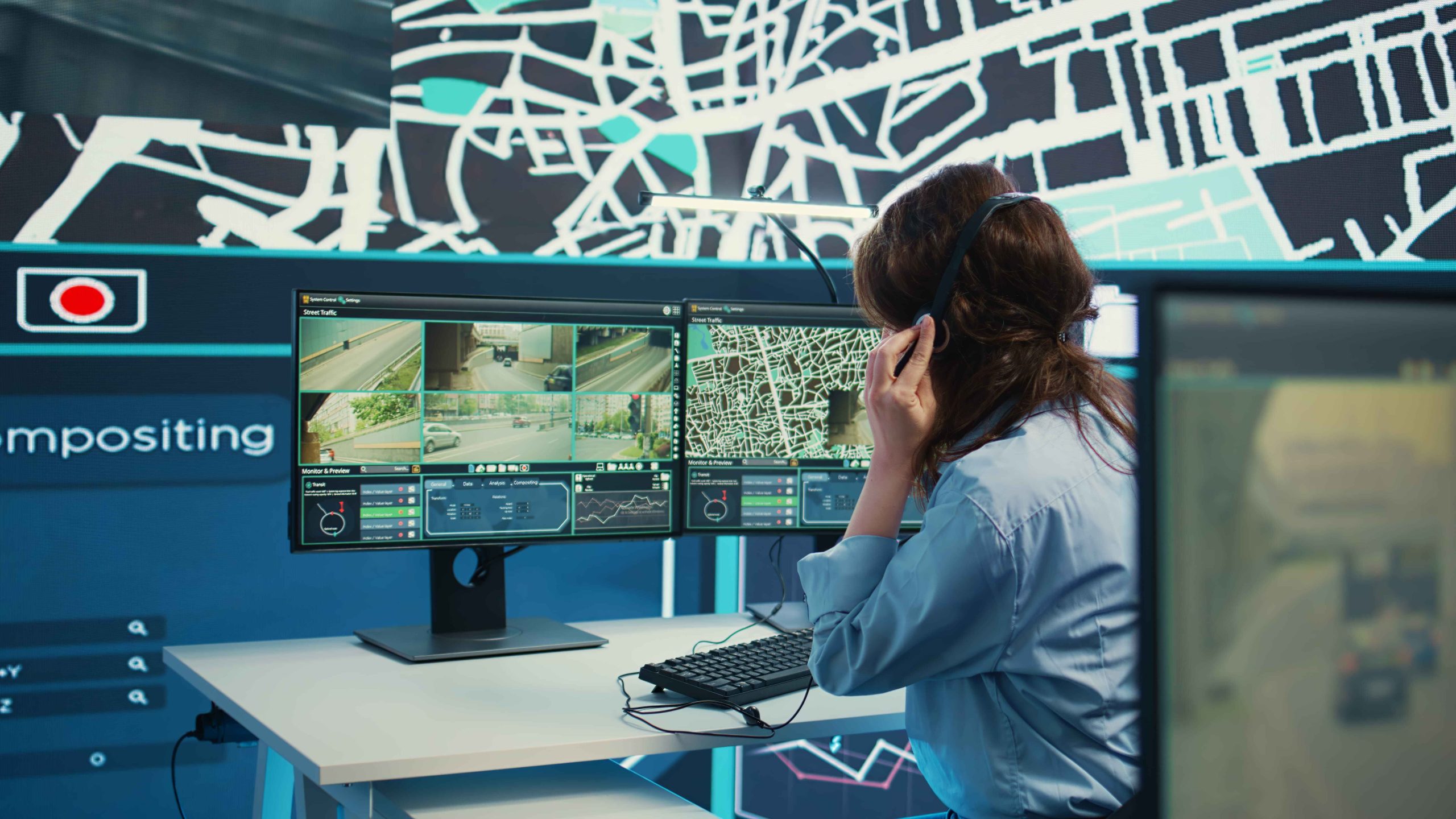
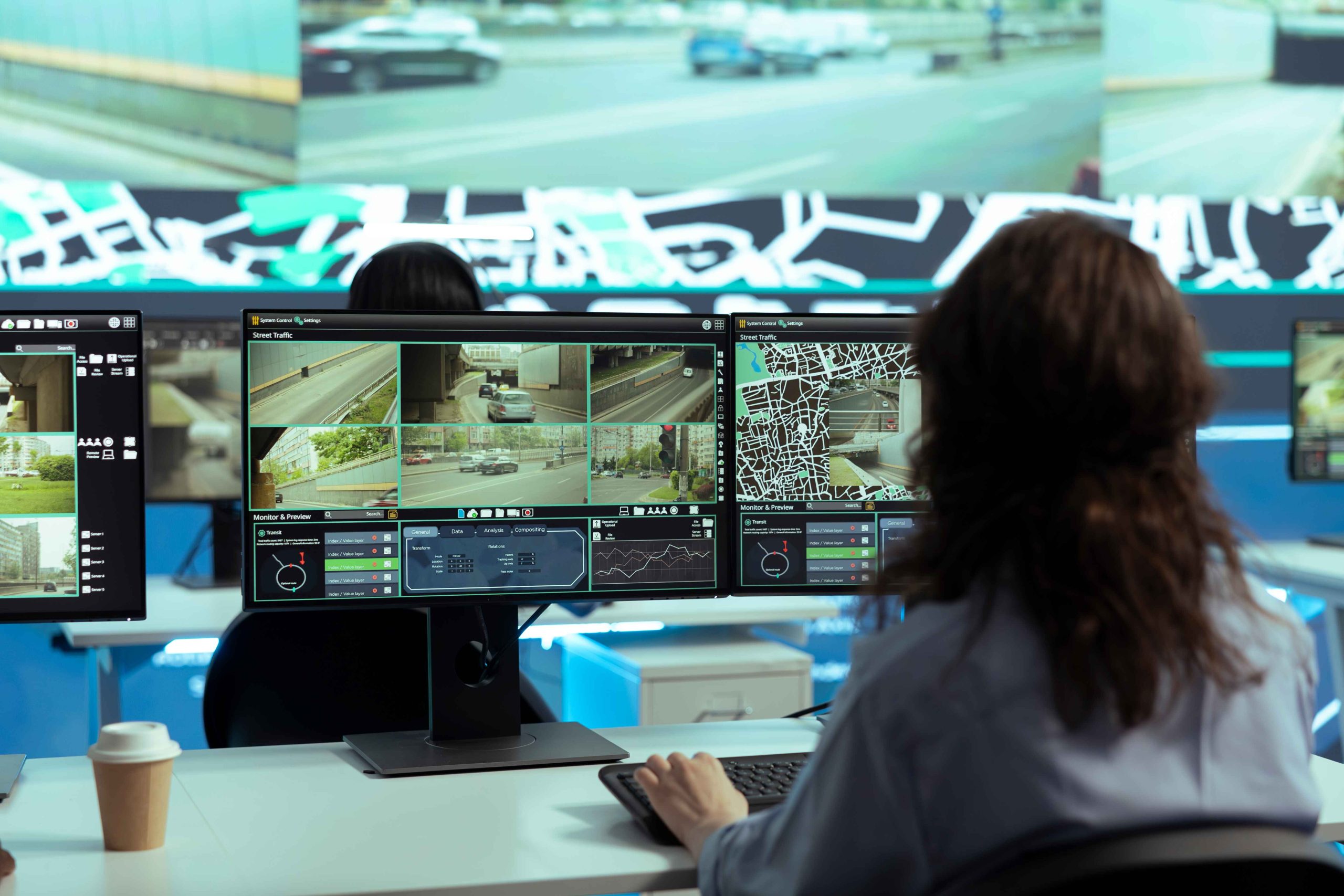
Recorded footage helps after damage happens. Real protection needs action during the event. This gap explains why many sites turn to live security camera monitoring services to watch activity and respond faster. Live oversight reduces delays and adds another layer of defense.
Slow or Unclear Response After Alerts
Alerts lose value without action. Many systems send alerts that no one checks on time. Phones stay silent. Emails go unread. Minutes pass. A clear response plan fixes this issue. Staff should know who responds and how. Fast action limits damage and confusion.
Skipping Professional Review and Support
DIY setups work for small spaces. Larger sites need expert input. Professionals review layouts, risks, and response plans. They help improve coverage without replacing all equipment. Serena Security helps clients refine camera use and response planning based on real-world experience.
How Live Oversight Improves Results
Live oversight changes how cameras protect a site. Trained staff watch feeds and act when threats appear. This approach cuts false alarms and speeds response. Human review confirms real issues before alerts escalate. This helps avoid wasted calls and missed threats.
When Remote Monitoring Makes Sense
A remote camera monitoring service fits sites with night activity, high-value assets, or past incidents. It adds coverage when staff cannot watch screens. Remote teams follow set rules and contact responders when needed. This support works well for warehouses, retail spaces, and job sites. Many businesses pair this option with clear alert rules for best results.
How to Avoid These Camera Mistakes
Fixing camera issues does not always require new gear. Simple steps improve results:
- Review camera placement and angles
- Improve lighting in dark zones
- Update passwords and access rules
- Test alerts and response plans
- Schedule regular system checks
These actions help avoid repeat issues and improve reliability.
Why Small Fixes Matter Long Term
Security failures often start small. A missed alert or blind spot leads to larger losses. Fixing setup issues early protects people, property, and daily operations. It also builds trust in the system and the team using it. Strong habits turn cameras into real protection tools.
Conclusion
Security cameras work best when they are set up and used the right way. Small mistakes in placement, settings, or access can weaken even the best systems. By fixing these common issues and staying consistent with maintenance and monitoring, cameras become a reliable tool that helps protect people, property, and daily operations.
FAQs
1.Why do many security cameras fail to stop incidents?
A: Many systems record events but lack real-time response. Action during the event matters most.
2. How often should I check my cameras?
A: Review footage and system health at least once each month.
3. Do alerts alone improve security?
A: Alerts help, but clear response plans make them effective.
4. Can better settings reduce false alarms?
A: Yes. Proper motion zones and resolution settings cut unnecessary alerts.
5. Is professional help worth it for camera setup?
A: For larger sites, expert input improves coverage and response planning.